Name Picker Wheel for Standups and Team Tasks
Spin a random name picker wheel to decide who goes first, who reviews next, or who takes the next visible team task. Fair, fast, and saved locally in your browser.
How to use the Name Picker Wheel
1. Add names — Paste team member names into the Active Names panel, one per line.
2. Spin — Click Spin the Wheel and wait for the random pick.
3. Remove or keep — After the spin, remove the selected person to avoid repeats or keep them in the list for the next round.
Backlog tip: Keep the full roster in Names Backlog, then repopulate the active list when everyone has had a turn.
Use cases: Daily standup order, code review rotation, retro facilitation, knowledge-sharing turns, or any meeting moment where you need a fair random choice.
Useful Alongside the Name Picker Wheel
 Tool
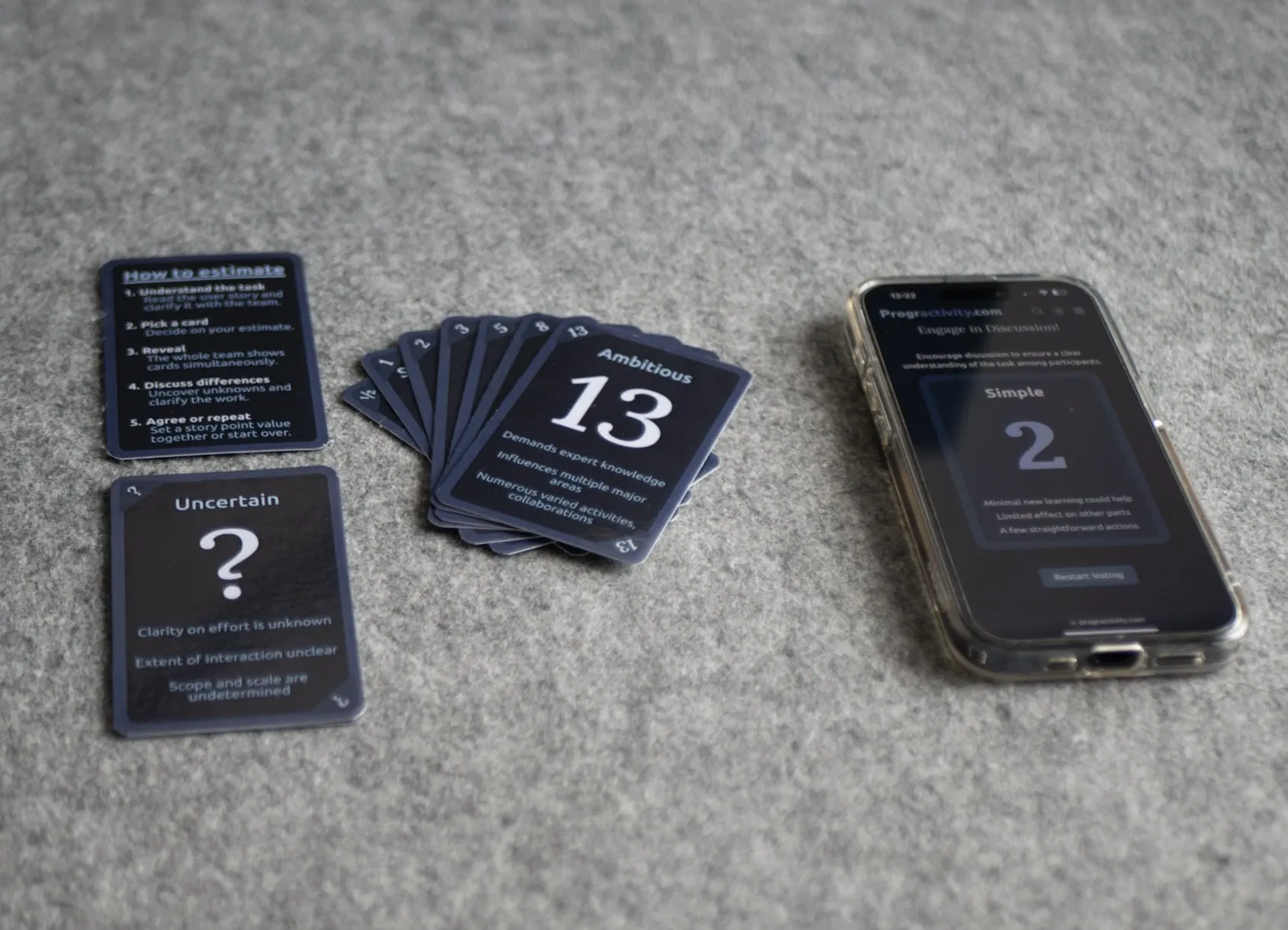
ToolAgile Poker Cards
Use these before sprint planning when the team needs a simple way to estimate without turning refinement into theater.
 Tool
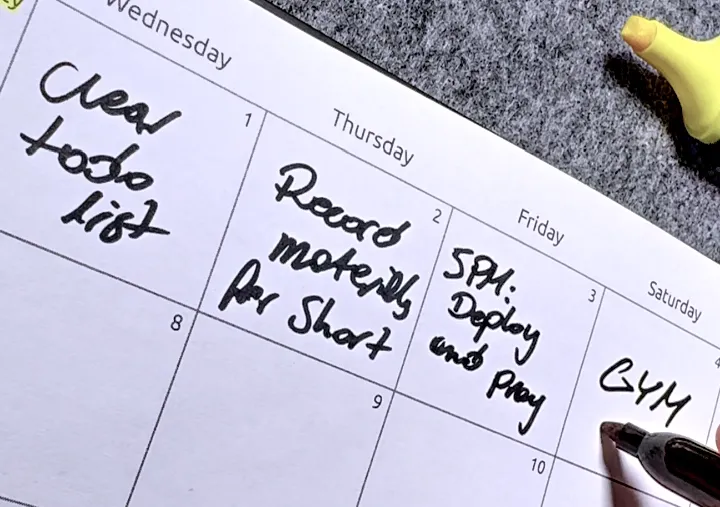
ToolFocus Calendar
Use this when you want a lighter daily planning layer after the sprint shape is already set.
 Template
Fix Your Stand-ups
A practical guide for making stand-ups useful without adding more meeting fatigue to the week.