Step 01
Add key commitments first
Start with sprint planning, review, retro, support, time off, travel, and the other commitments that will shape the sprint. Map the sprint shape. Do not rebuild your full calendar.
Start with the key commitments that will shape the sprint: planning, reviews, support, time off, and other coordination blocks. Then check whether the sprint still protects enough focus time to be executable.
Pass it to the person shaping the next sprint.
Link copied
You can use the tool however you want, but this order usually gives the clearest signal with the least busywork: start with key commitments, then protect focus time.
Start with sprint planning, review, retro, support, time off, travel, and the other commitments that will shape the sprint. Map the sprint shape. Do not rebuild your full calendar.
Use the dashboard to see how much focus time is protected, how many deep-work restarts the sprint forces, and how much time is going to coordination.
Add focus blocks where they make sense. If the sprint still looks too fragmented, move, combine, shorten, or cancel what you can before the sprint starts.
The dashboard shows Focus Allocation, Protected Build Windows, Deep Work Restarts, and Coordination Load before the sprint starts, so you can judge the sprint shape before the team has to live inside it.
Your sprint structure stays in local browser storage, so next sprint usually starts with small edits instead of rebuilding everything.
Add the meetings, support windows, time off, and other key commitments that materially shape the sprint. Ignore the tiny noise.
Export a clean one-page PDF when you want a shared planning artifact for a desk, wall, or team board.
No login, no email capture, no server-side storage of your sprint data. It runs in the browser and stays there.
The goal is not to squeeze deep work into every empty slot. The goal is to protect a realistic amount of focus time and reduce recovery drag.
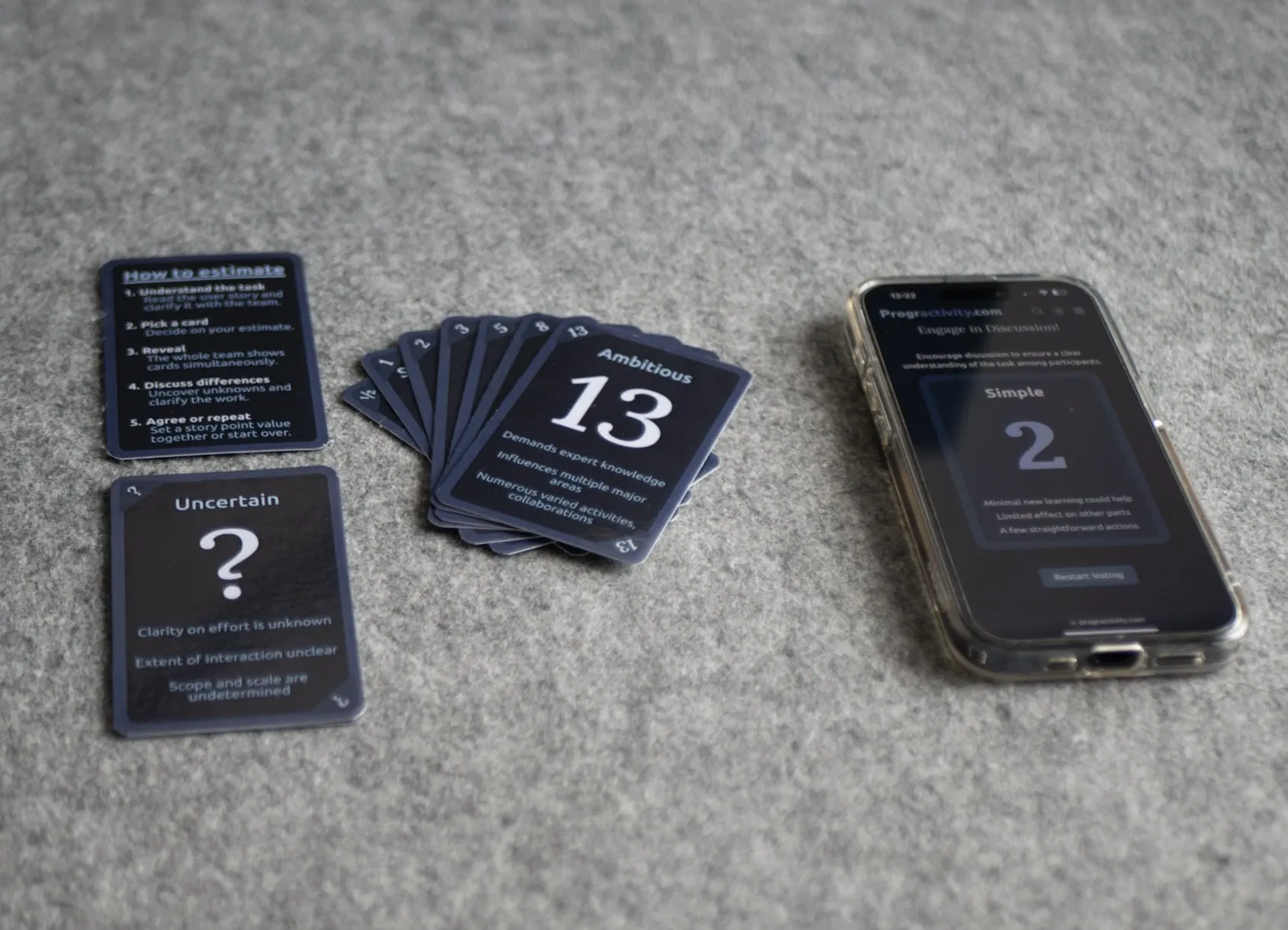 Tool
ToolUse these before sprint planning when the team needs a simple way to estimate without turning refinement into theater.
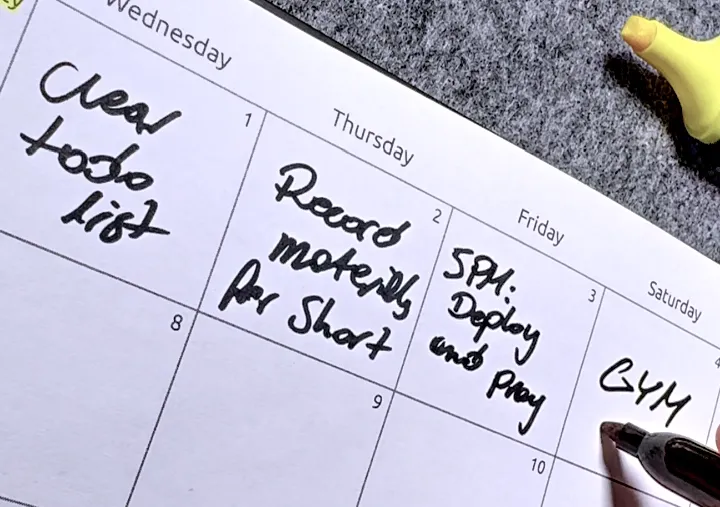 Tool
ToolUse this when you want a lighter daily planning layer after the sprint shape is already set.
 Template
A practical guide for making stand-ups useful without adding more meeting fatigue to the week.